Class, teacher & master timetables
Print each class’s timetable for its wall, each teacher’s week with their load, and the A3 master for the staffroom.
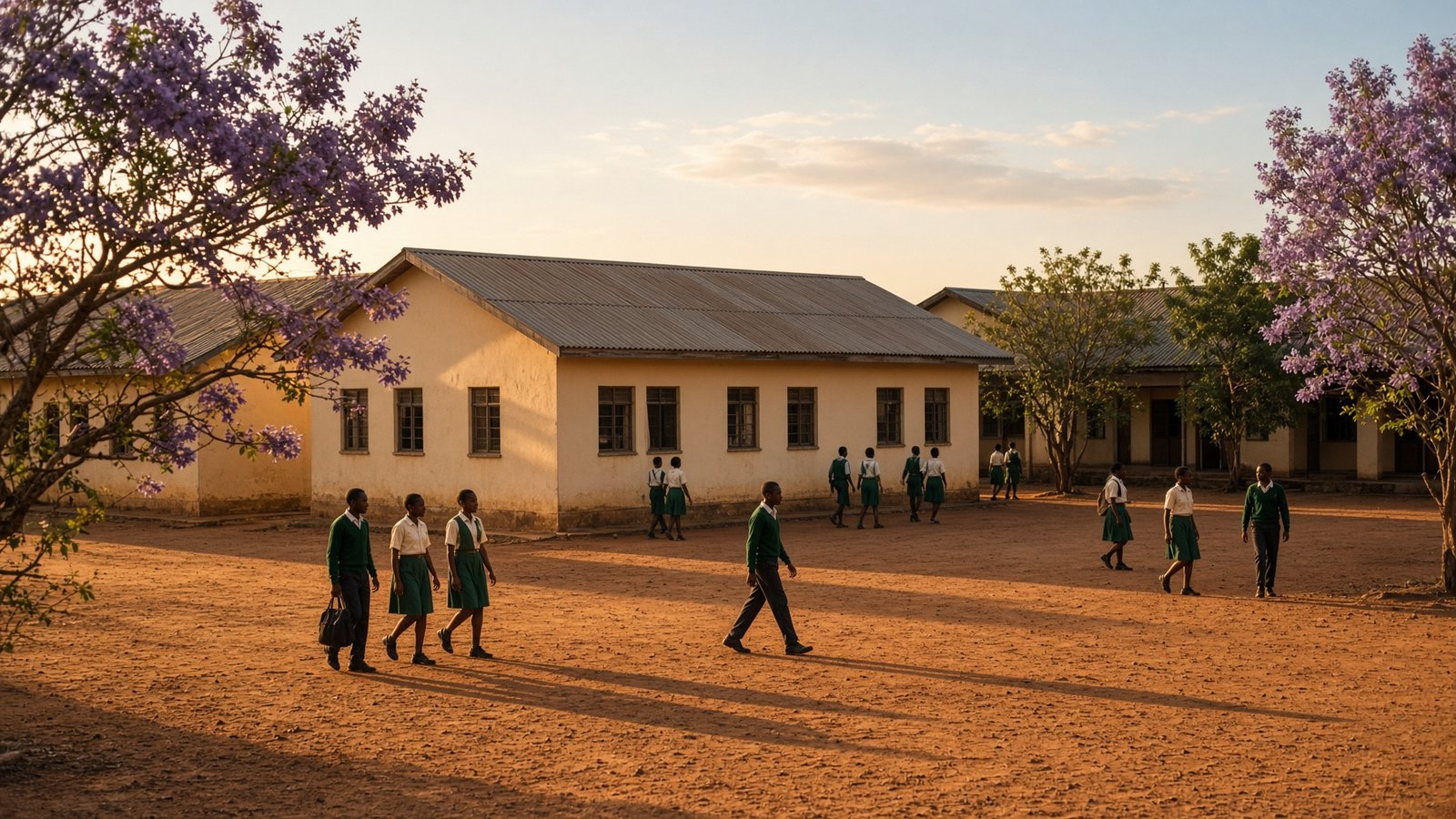
For every secondary and primary school
Class, teacher, end of term tests timetable and master timetables for the term, built online and printed as PDFs.
Build for free. Pay only when you are ready to publish and print.
What you get
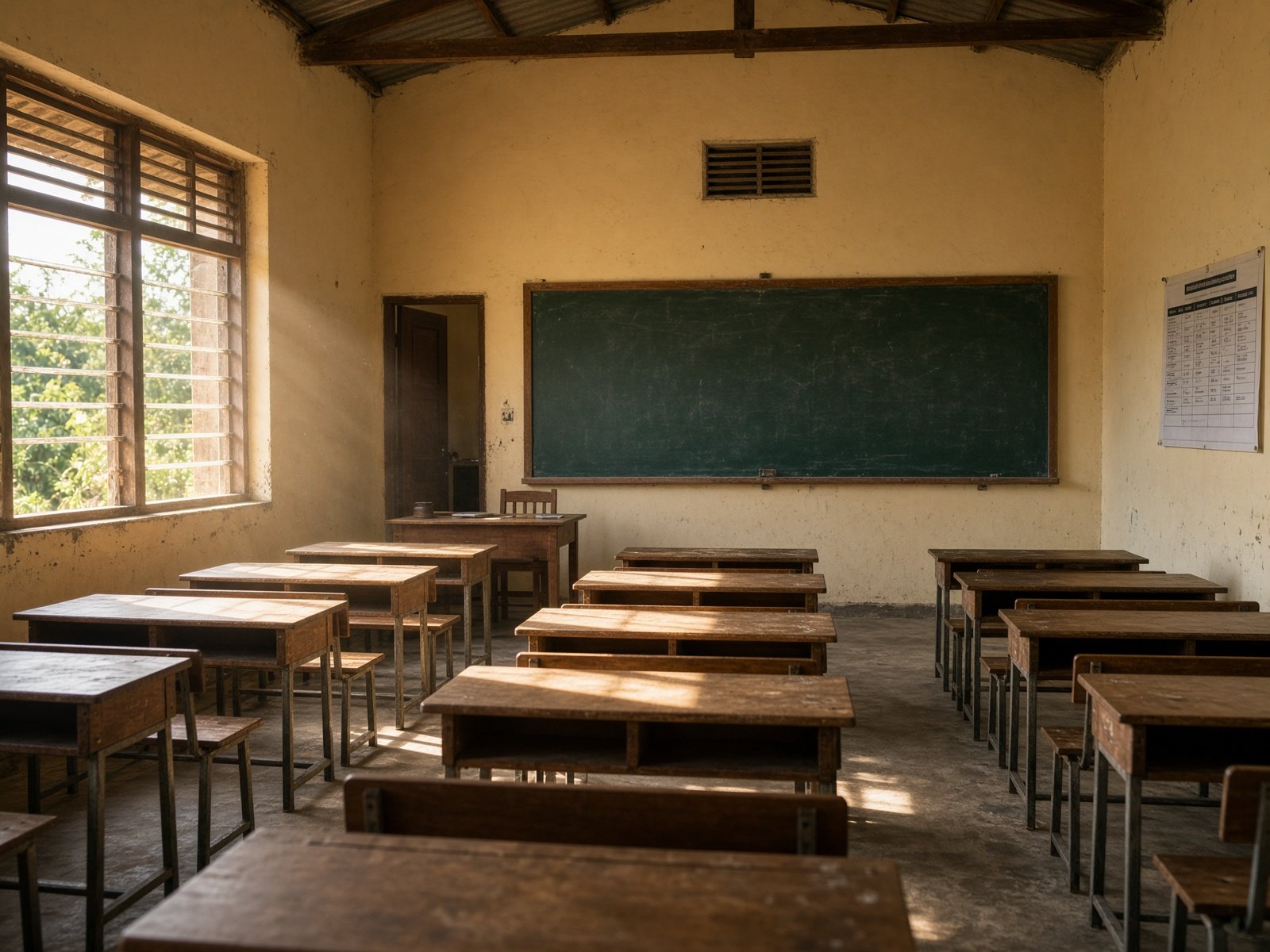
Print each class’s timetable for its wall, each teacher’s week with their load, and the A3 master for the staffroom.
Every lesson is checked as you place it. Specialist rooms like the Computer Lab and Home Economics rooms never hold two classes at once.
Send each teacher a private link on WhatsApp: today’s lessons, now and next, the whole week, and cover duties.
Enter who teaches what and how many periods a week. Auto-fill builds the week in seconds and keeps anything you placed by hand.
Mark a teacher away and see their lessons for the day, with the best free teachers to cover each one.
Start next term as a copy of this one and change only what’s new.

On every teacher’s phone
No app to install. Each teacher opens a page that only they have — this week’s load, the lesson happening now, what’s next, and any cover you assigned.
How it works
Set the school up once. Next term, copy this one and change only what’s new — rooms, new teachers, a shifted lunch.
Your school and your phone number. Free.
Paste the lists, then who teaches what.
Set the school day and rooms, then auto-fill and adjust.
Print clean PDFs and send teachers their links.
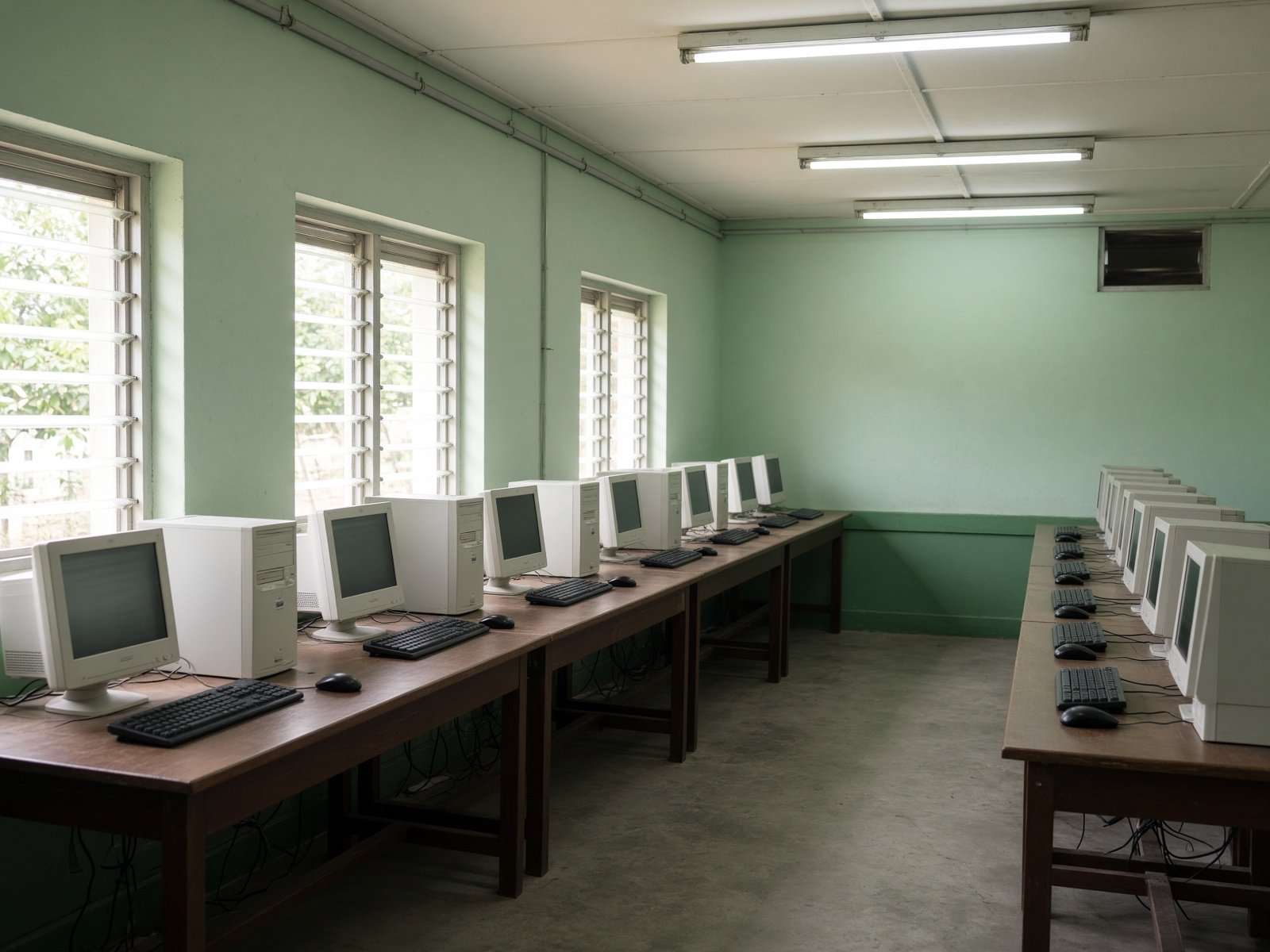
Whoever makes the timetable at your school — the deputy head, the timetable committee or the ICT teacher — we show them how to set up the school, build the term's timetable and use it every day. Training is free, on the Timetable and on the rest of ZSchool Data.
For schools anywhere in Zambia
We meet on Google Meet at a time that suits you, and share our screen while you follow along on your own computer or phone.

For schools in and around Kasempa, North-Western Province
We come to your school and train you at your own station — on the computer where you will make and print the timetable. We are based at Amenity Technologies, Mukinge, Kasempa District.
Taken at your own pace — one session or a few short ones.
To book, WhatsApp us on 0972 200 485 or call 0967 479 299 with your school's name and the days that suit you. Find us: Amenity Technologies, Mukinge, Kasempa.
Prices — per school
K175
1 month
Start freeK310
1 term (3 months)
Start freeK850
1 year
Start freeBuilding the timetable is free. A plan is needed to publish, print without the “TRIAL” mark, send teacher links and use cover. Schools using ZSchool Data get the timetable included.
Create the school account, then go straight to setting up classes.